
rmResident App
rmResident mobile App
The rmResident mobile App makes it easy and convenient to schedule and submit payments, make maintenance requests, stay in contact with us and more!
-
- Open Google Play or the App Store, search and download the rmResident app.
-
- After you open the app, you will be asked to enter the following:
Company Code: ilima
Community (if applicable): Default
- After you open the app, you will be asked to enter the following:
-
- Log in with your TWA username and password.
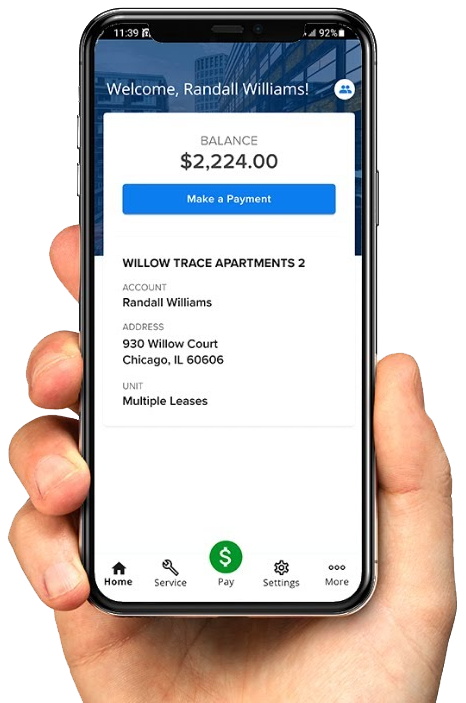
With the rmResident mobile App, you can:
Update Your Account Information
Make Online Payments
Track Maintenance Requests
Submit New Service Issues